
Delivery
Delivery apps, minus the tablet pile
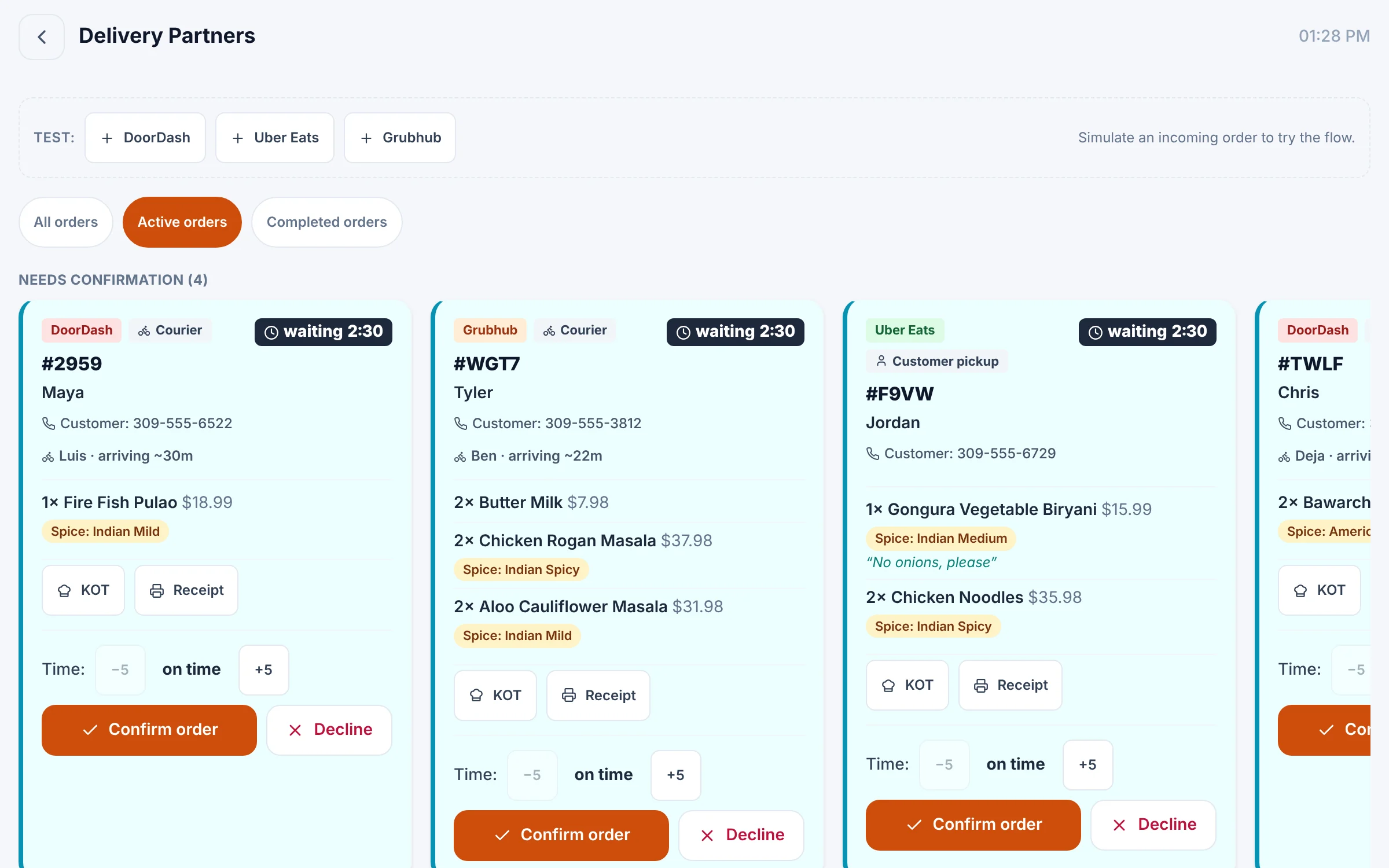
Delivery-app orders arrive in one Bloom queue — confirm, adjust prep time, print and send them to the kitchen. Direct Uber Eats and DoorDash integrations are rolling out now.
What you get
Delivery apps, feature by feature
One delivery queue
Every platform's orders in one place, with waiting time and courier ETA.
Confirm or adjust
Accept or reject, and nudge prep time up or down before you confirm.
Menus per platform
Keep separate items and prices for DoorDash, Uber Eats and Grubhub.
Your own delivery
Run in-house delivery with driver details and a route planner.
Live tracking link
Customers follow their order from kitchen to doorstep.
Address checks
Verify delivery addresses with Google Maps.
Pause from the POS
Busy kitchen? Pause a delivery app for a while and turn it back on in one tap.
Sold out everywhere
Mark a dish sold out once and it comes off your delivery menus too.
Drivers arrive on time
Mark an order ready and the platform knows it's waiting for pickup.
In the product
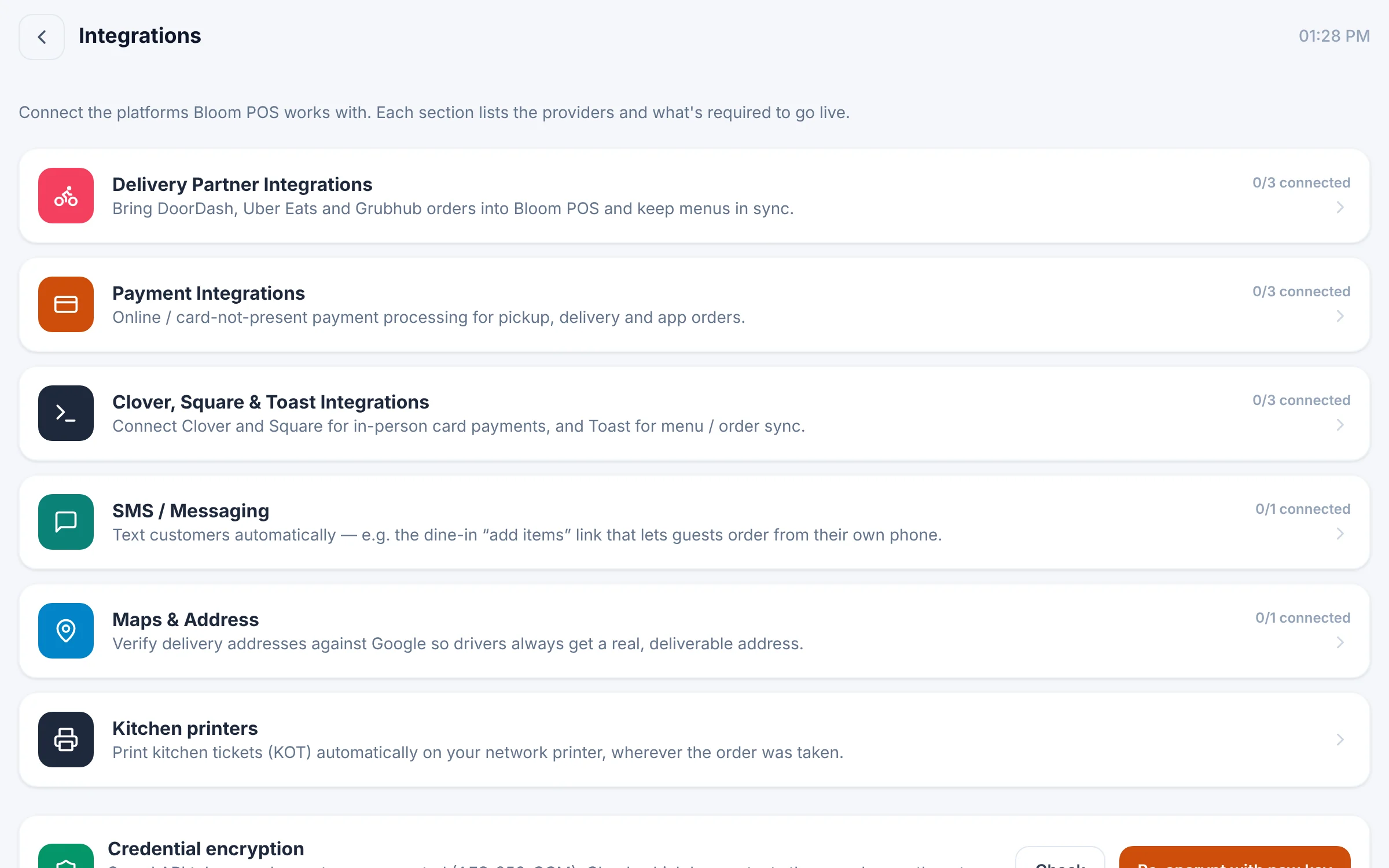
Integrations: delivery partners, payments, Clover/Square/Toast, SMS and maps.
See Bloom configured for your business
A 30-minute walkthrough with your menu, your floor and your workflow. No obligation.
We reply within one business day.
- 01Pick a time that suits you
- 02Tell us how you run service
- 03See Bloom set up your way