

Available now
Bloom in your pocket and on every counter
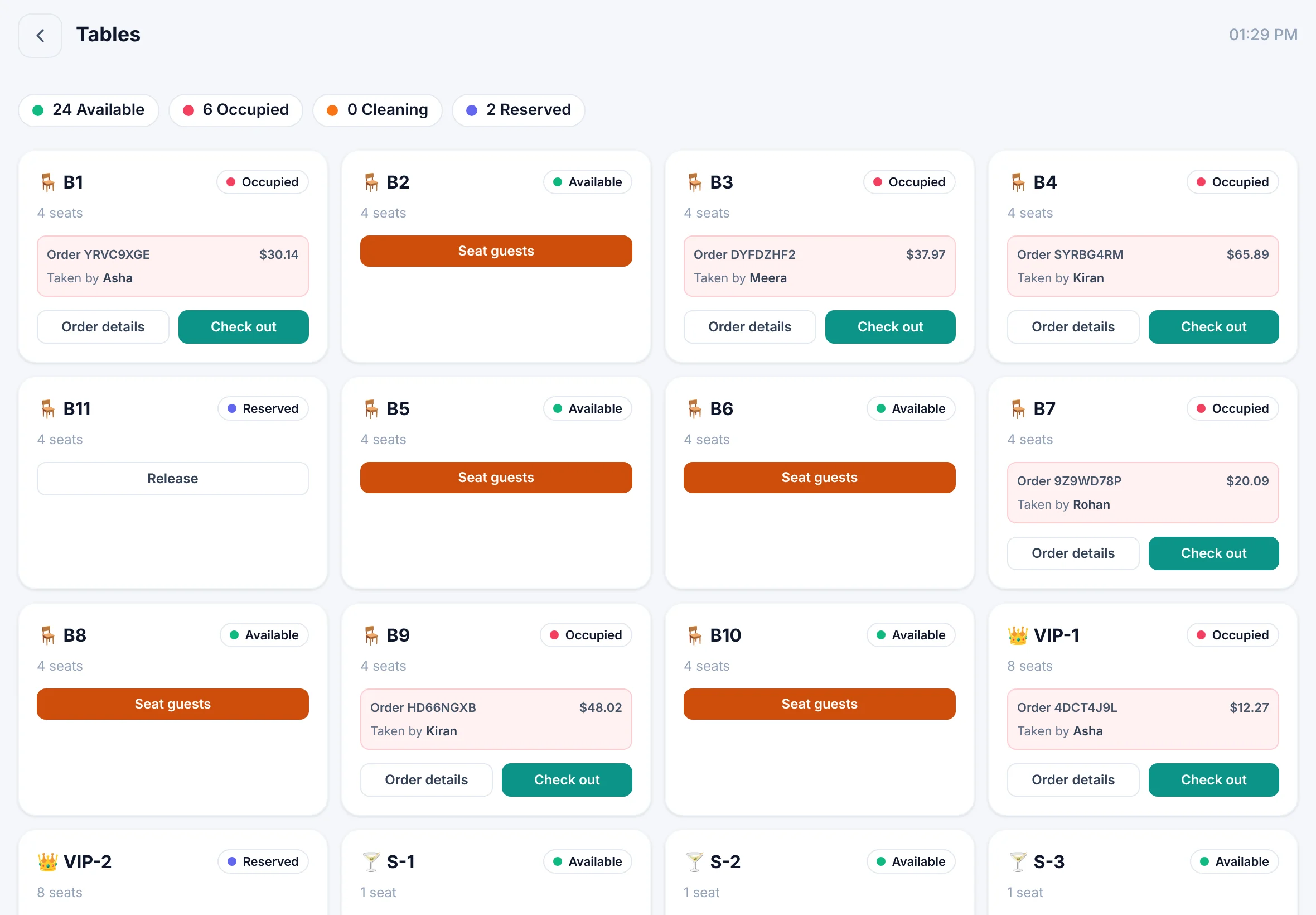
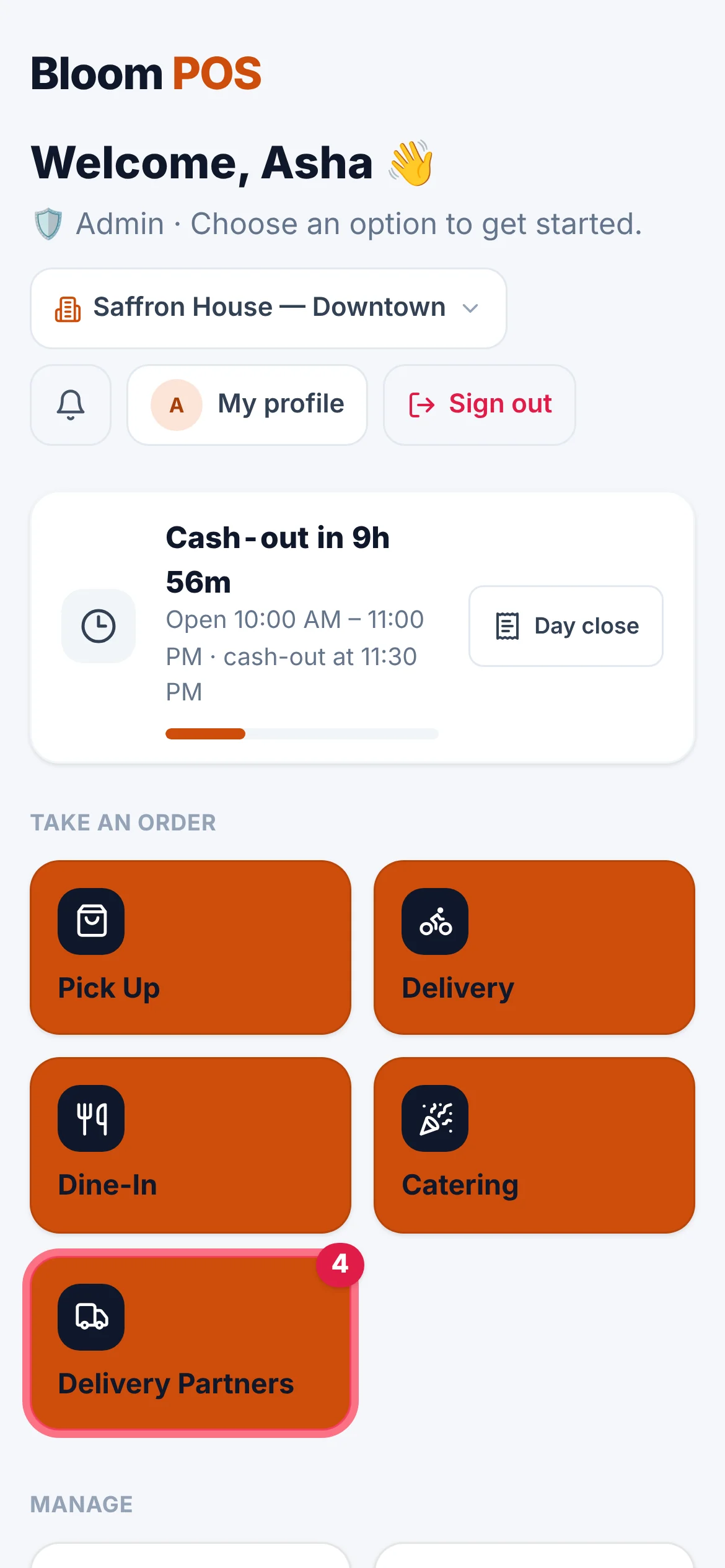
Bloom POS is on the App Store and Google Play for iPhone, iPad and Android phones and tablets, and the Bloom Kiosk self-order app installs on Android kiosks — all sharing the same live data and the same look as the web portal.
Downloads
Get the apps
Staff apps from the App Store and Google Play. The kiosk app installs directly on your Android kiosk.
Available now
Bloom Kiosk
Self-order kiosk for guests — to go or dine in, pay at the counter or on your card reader. For Android kiosks and tablets.
Version 1.0.0 · 51 MB · Android 9 or later
Download APKHow to install
- Open this page on the kiosk and tap Download APK (or copy the file over USB).
- Allow installing apps from your browser or file manager when Android asks.
- Open Bloom Kiosk and enter your restaurant's device code.
- Accept “Pin this screen” so guests stay in the kiosk.
Available now
iPhone & iPad
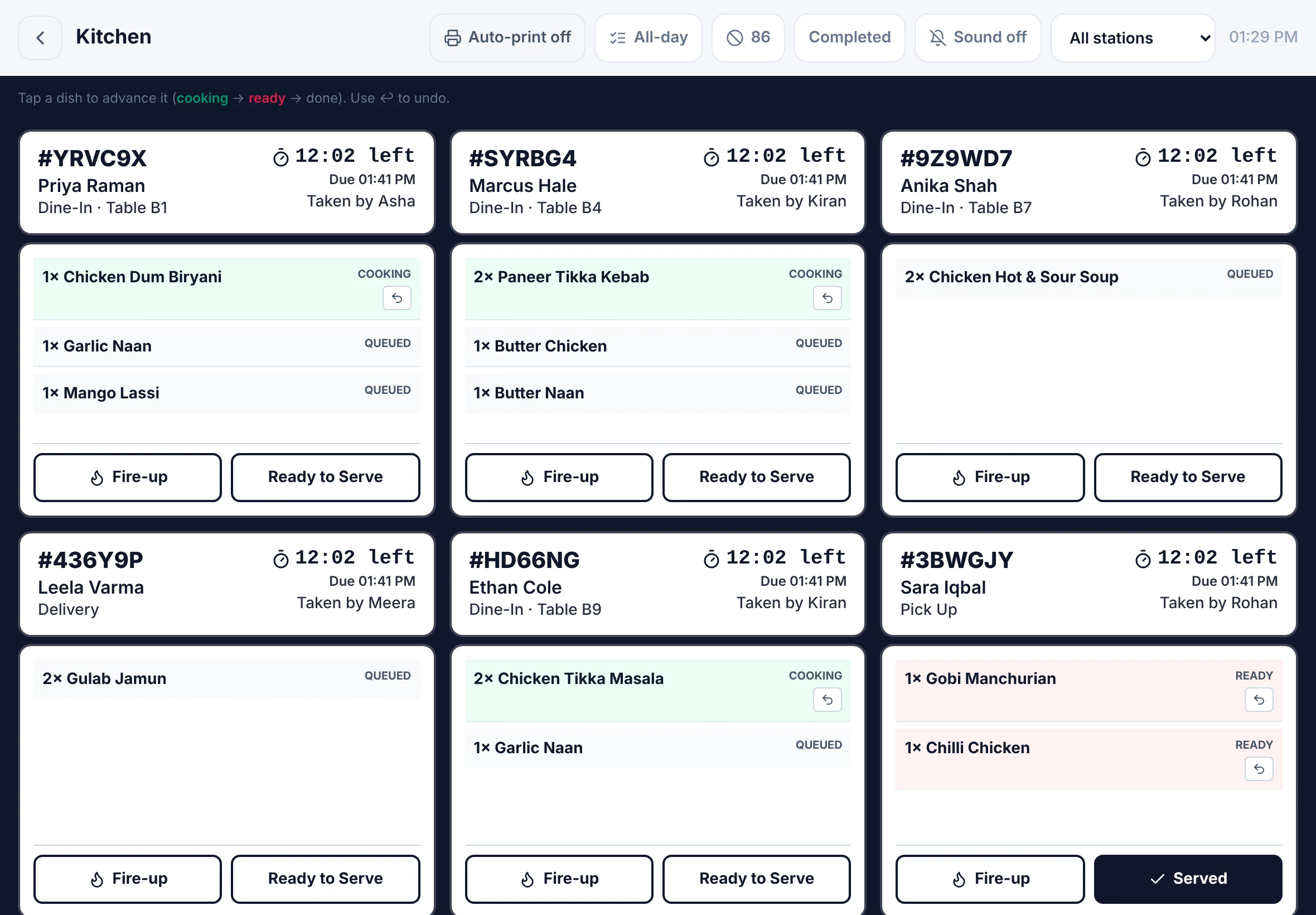
The full Bloom POS app for staff — orders, kitchen, tables and dashboards.
Available now
Android phones & tablets
The full Bloom POS app for staff — orders, kitchen, tables and dashboards.
Any device
Works on the devices you own
Use the apps, or open the Bloom web portal on any phone, tablet or computer — same data, same look.
Staff phones
Staff sign in with a role and PIN on their own phone.
Tablets
Kitchen boards, table maps and tableside ordering.
Any browser
Countertop screens, laptops and the back office.
See Bloom on your devices
Book a demo and we'll set up the apps with you.
We reply within one business day.
- 01Pick a time that suits you
- 02Tell us how you run service
- 03See Bloom set up your way